On your device. In your hands.
All video compression happens on your iPhone or iPad. Your videos never need to leave your device.
Compress your videos on iPhone or iPad. Save the smaller copies, then clear the originals in one go.

Your storage ledger shows exactly how much space you saved. See the size of your smaller copies and what you reclaimed in one place.
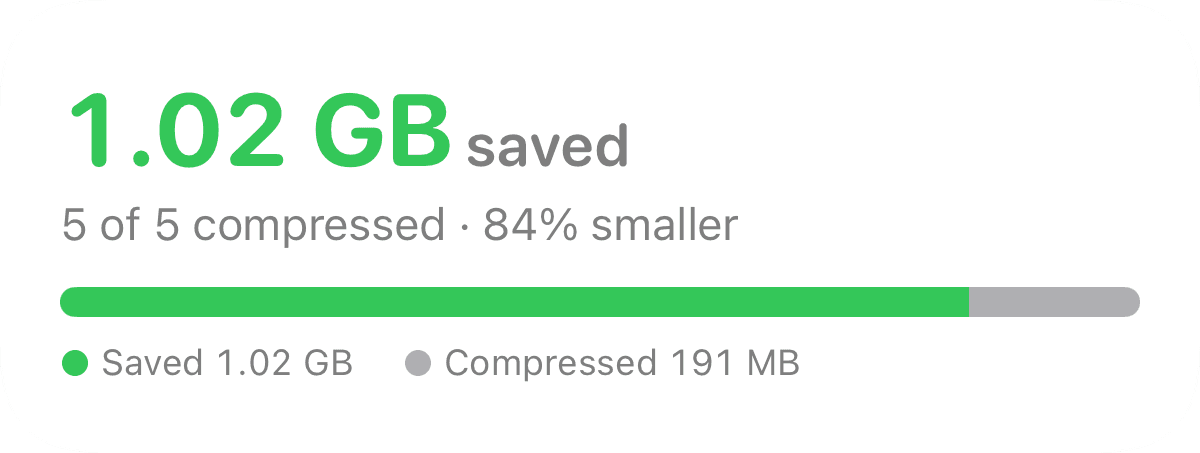
Choose your videos, save smaller copies, and decide what to keep.
All video compression happens on your iPhone or iPad. Your videos never need to leave your device.
Add a batch of videos and start them together. Follow each video's progress, then get a notification when the queue finishes.
In a large window, your storage ledger and actions sit in a sidebar. Drag videos in, or use ⌘O, ⌘Return and ⌘, to keep moving.
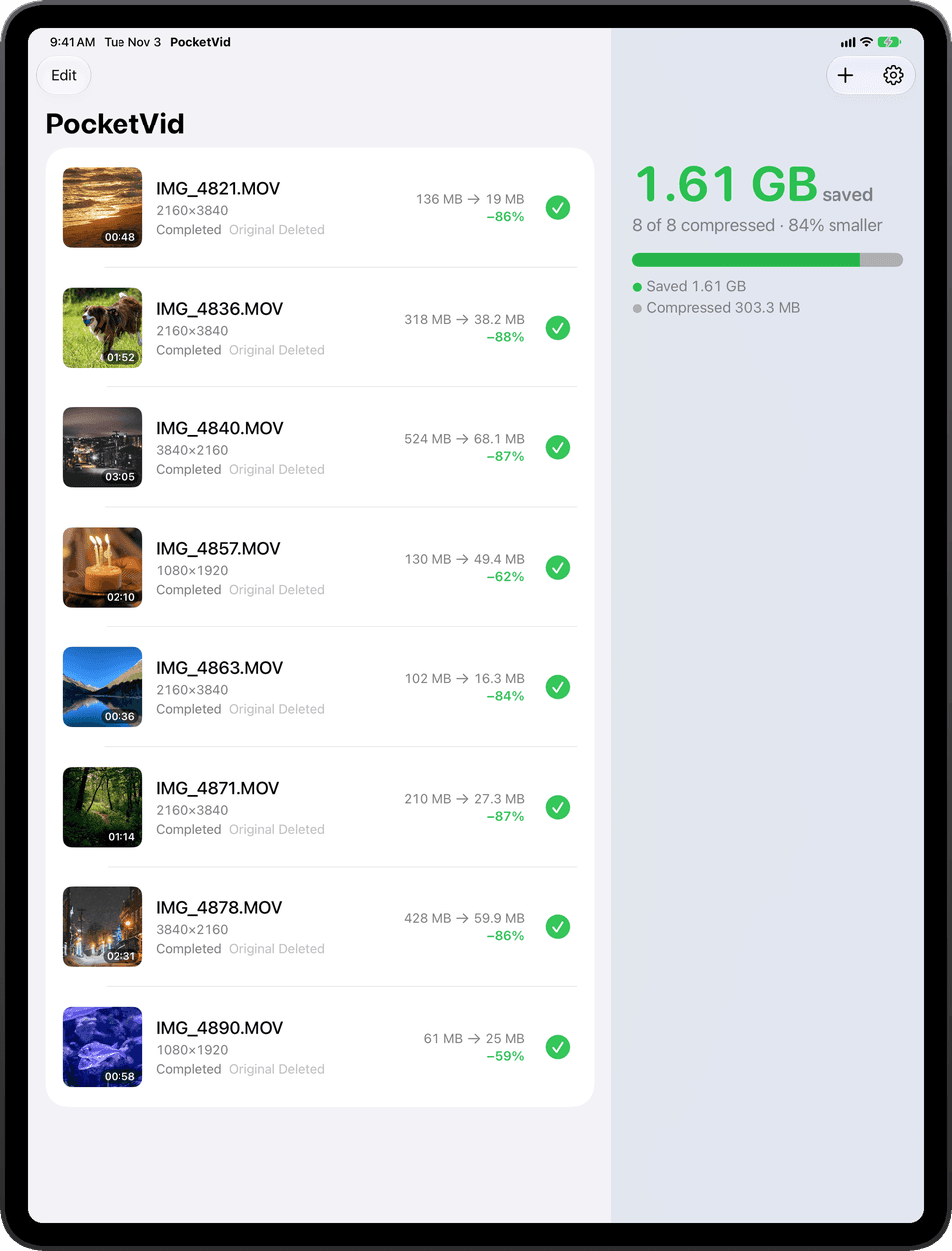
Once your smaller copies are saved, delete all originals at once. Photos keeps them in Recently Deleted for 30 days.
Add videos from Photos or Files, use the Share Sheet, or run the “Compress Video” Siri Shortcut.
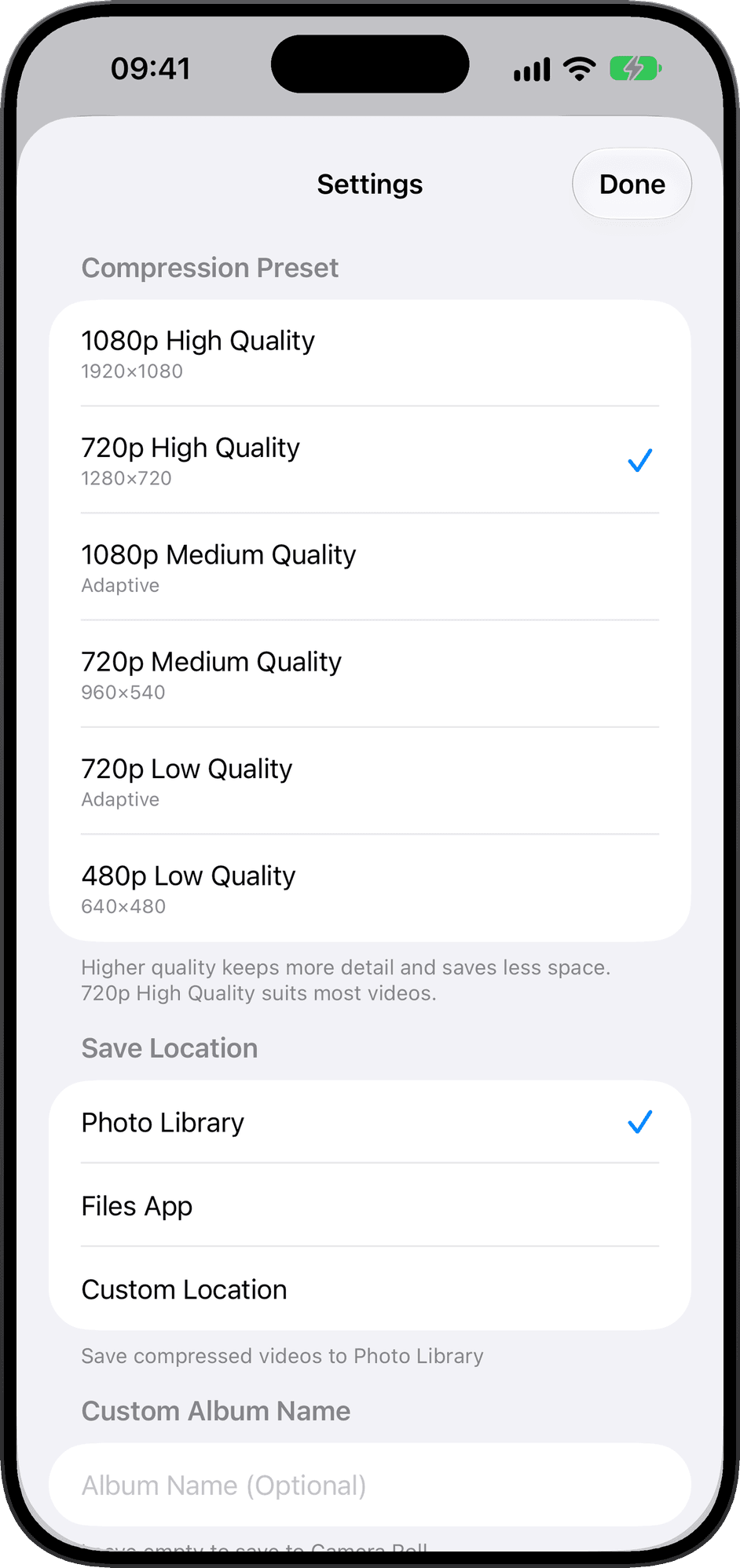
Choose 1080p, 720p or 480p, without upscaling. HDR videos stay HDR. Save to Photos, Files, or your chosen album or folder.
Choose videos from Photos or Files, or send them to PocketVid from the Share Sheet.
Pick your resolution and quality, then choose where the compressed copies will go.
Compress the queue. Once your copies are saved, delete the originals together when you are ready.
Your videos are compressed on your iPhone or iPad, never uploaded. You do not need an account. Your memories stay with you.
Read the privacy policyA closer look at PocketVid on iPhone.
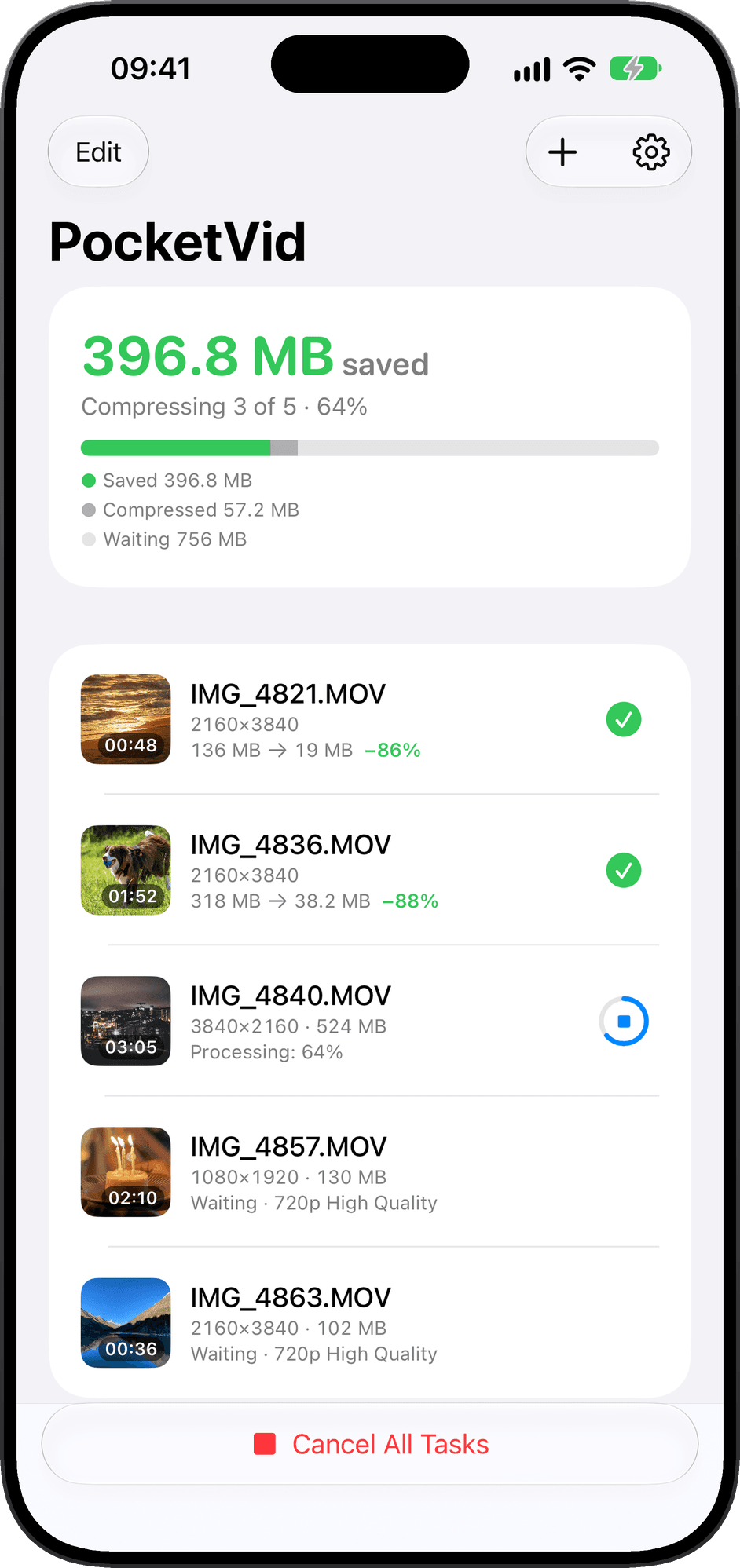
See what is compressing and what is coming next.
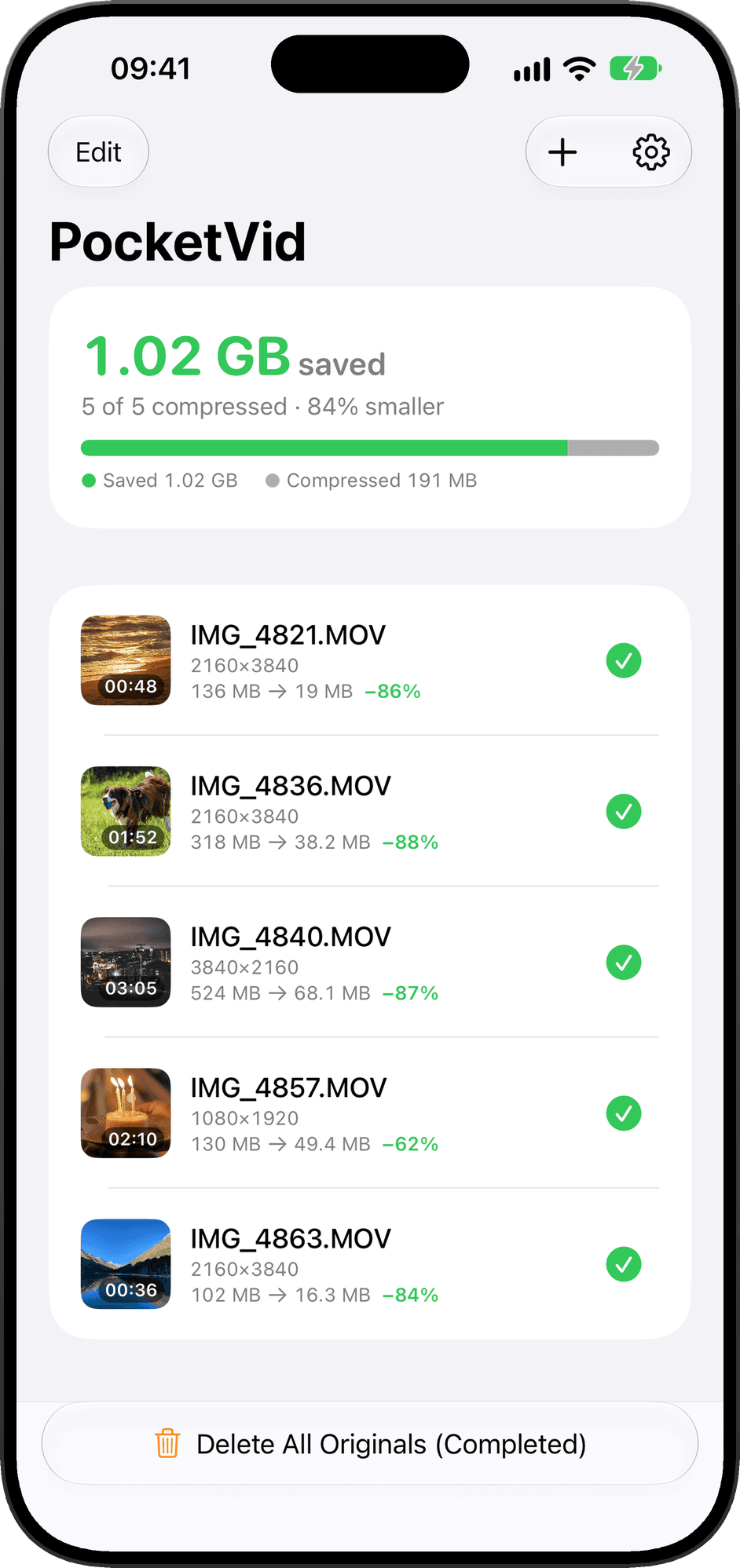
Your copies are saved. Delete the originals together when you are ready.
Set your quality, resolution and save location.
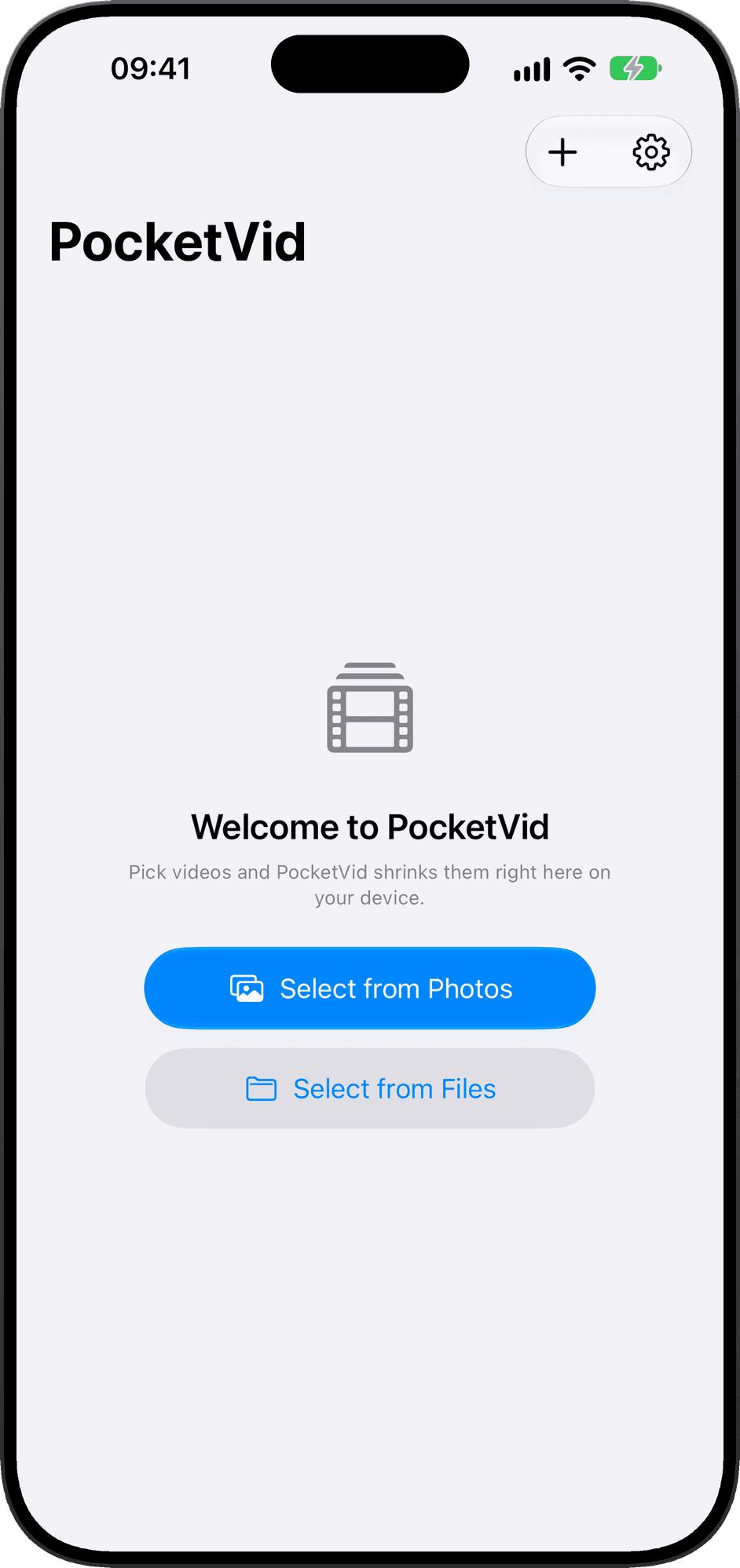
Bring videos in from Photos or Files.
Free on the App Store. No account, no upload, no watermark.